Search
Issue search is integrated directly into the Issues page — no separate search page needed.
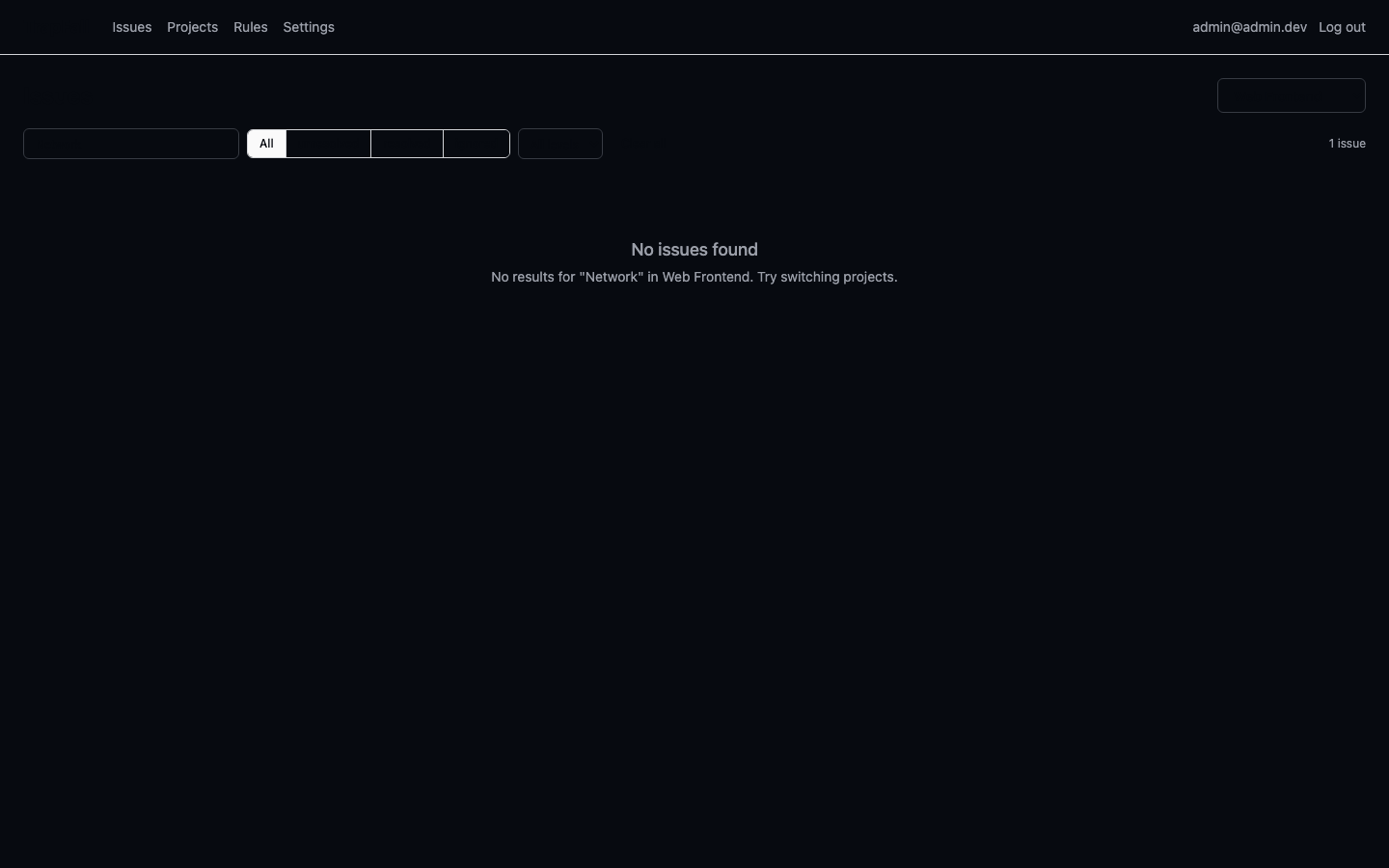
Using Search
- Go to Issues in the navigation
- Type in the Search... (Enter to search) input at the top
- Press Enter to search (or wait 1.5s for auto-search)
- Combine with filters: status tabs, level dropdown, and project selector
What's Searched
Search matches against:
- Issue title — the error type/message
- Culprit — the function or module where the error occurred
Filters
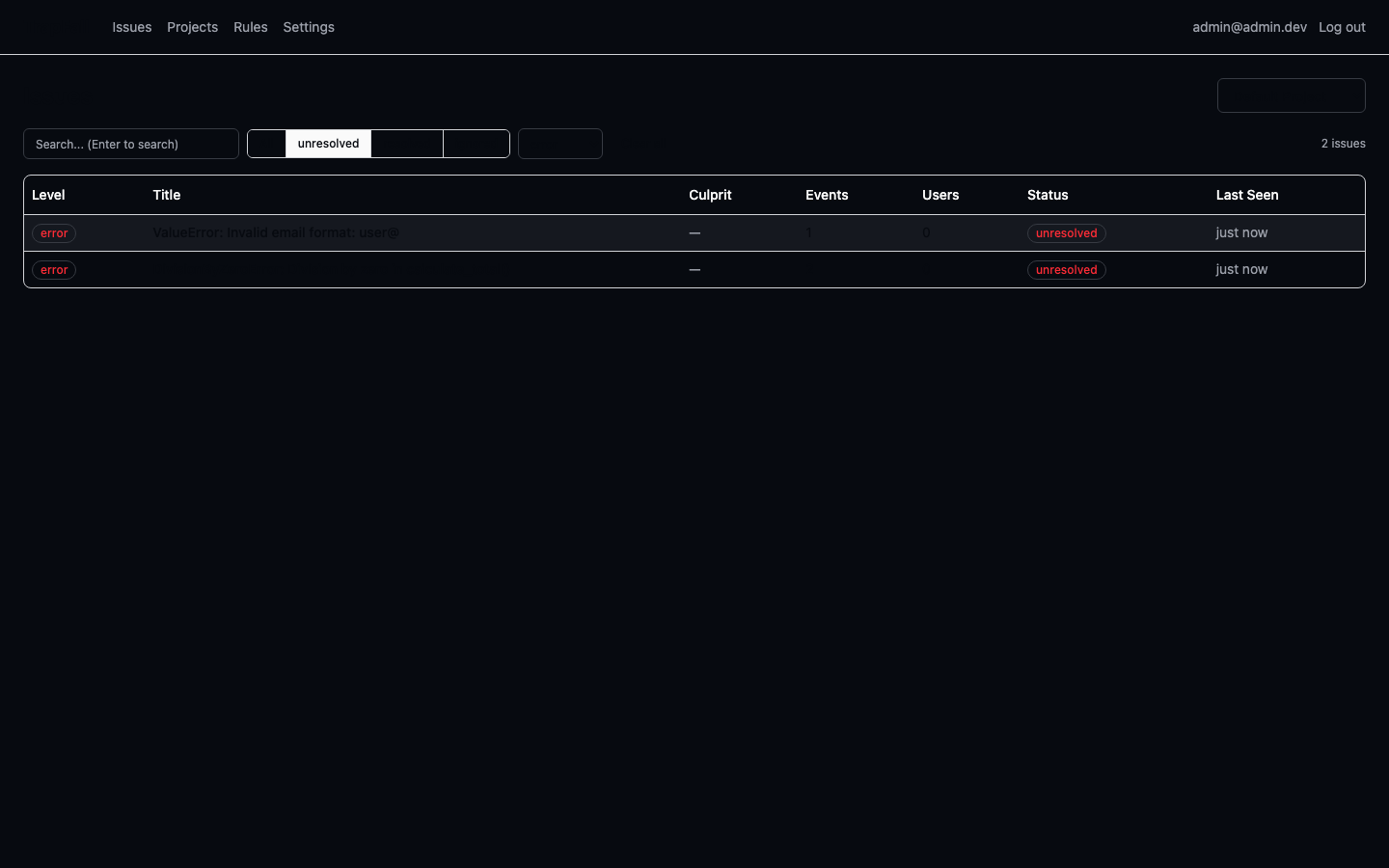
Filters work together with search:
| Filter | Options |
|---|---|
| Status | All, Unresolved, Resolved, Ignored |
| Level | All, Fatal, Error, Warning, Info, Debug |
| Project | Select from dropdown |
URL State
All search and filter state is saved in the URL query params, so you can share filtered views:
/issues?project=web-app&q=TypeError&status=unresolved&level=errorAPI
Search is also available via API:
GET /api/0/projects/{slug}/search?q=TypeError&status=unresolved&level=error&limit=20&page=1Returns the same ListResponse<Issue> format as the issues endpoint.